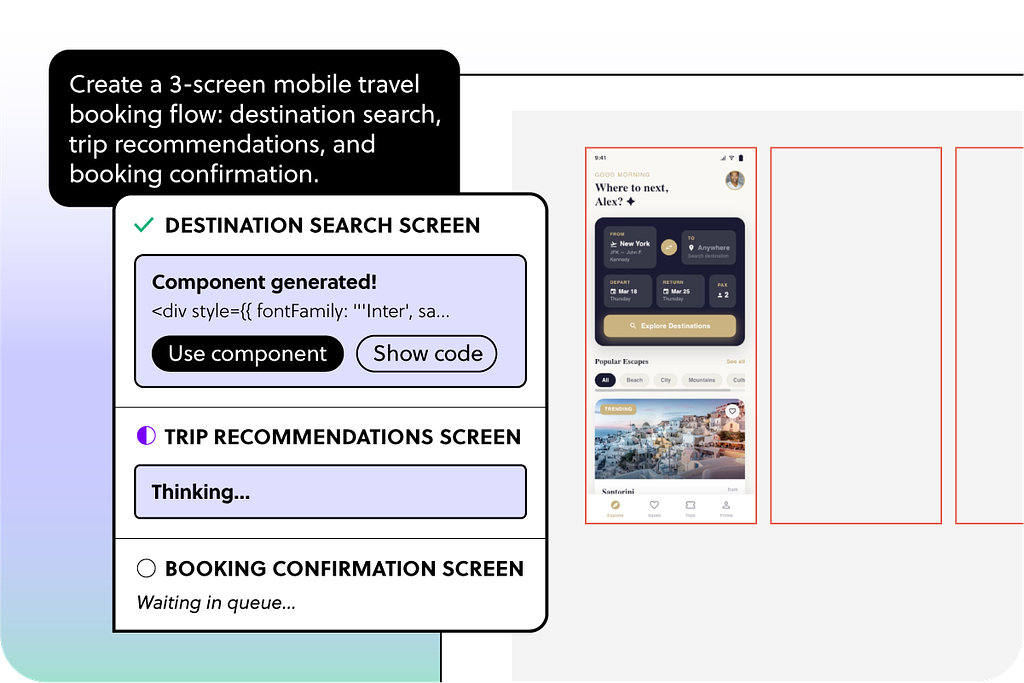
Instead of prompting screen by screen, describe what you need as a whole - a checkout flow, an onboarding sequence, or a settings workflow. Forge generates all the screens in order, with consistent structure, copy, and visual direction.
A live task list show exactly what's being generated and what's already done, so you always know where things stand.
We’re excited to share the latest updates made during April 2026 to enhance your experience with UXPin.
Introducing Enhanced AI Component Generation
AI-generated JSX will now respect your custom library instructions, ensuring that requests for specific code formats such as "don’t use generic HTML" are properly implemented. This change minimizes the risk of outputting incompatible or incorrect code based on your specifications.
Bug Fixes
The system will no longer mistakenly interpret code or JSX snippets as web links, preventing unwanted visual captures during screenshots.
Explore these enhancements and how they can streamline your design and development processes!
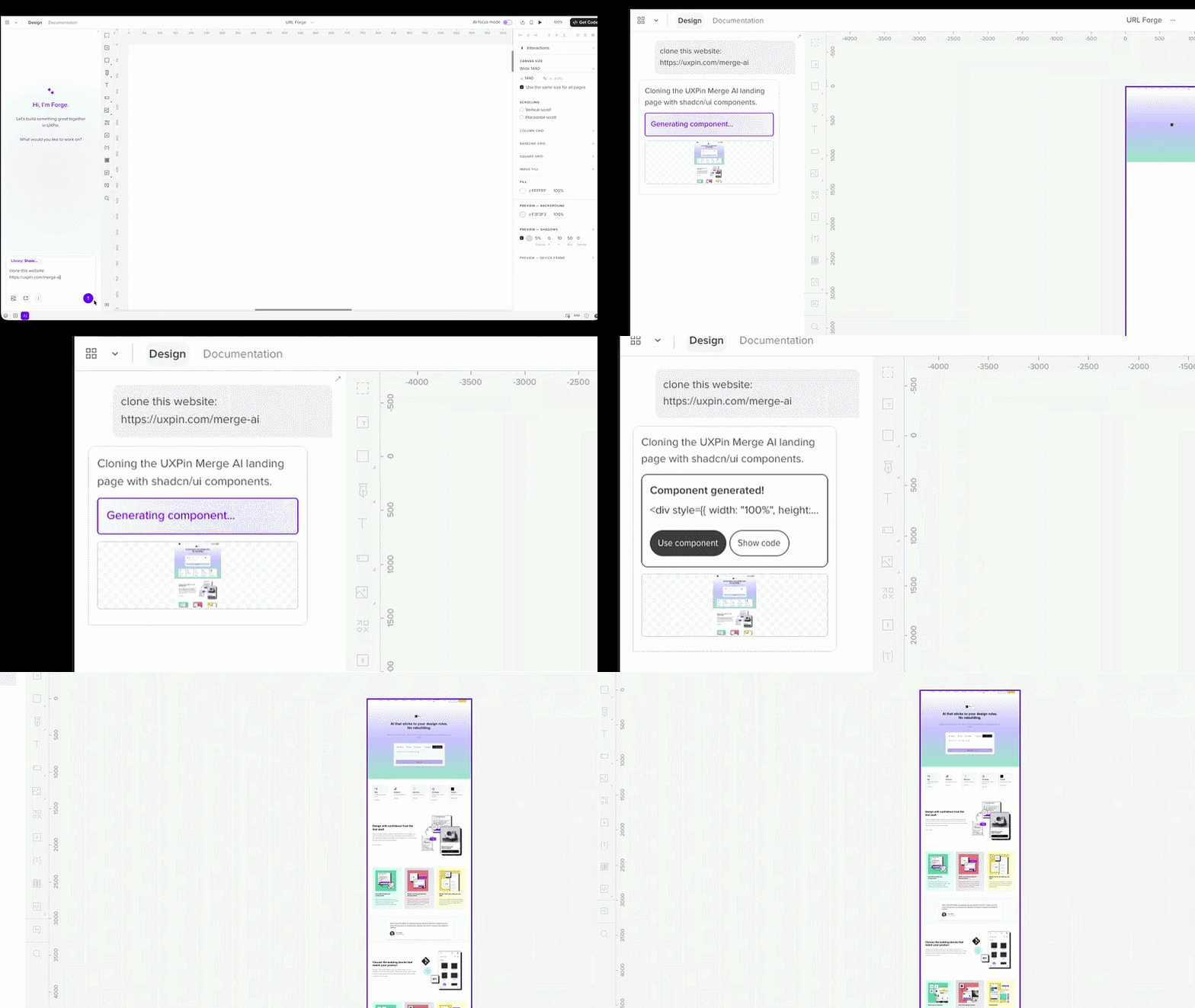
Paste a link into the prompt and ask Forge to recreate the page or generate a similar layout. Forge analyzes the page structure and visual style, then builds UI in UXPin using the component library available in your project.
You can use a website as a visual reference to recreate layouts, generate similar pages using your design system, or extract styles such as colors and typography to guide new designs.
Forge interprets the layout and rebuilds it using the components available in your project rather than copying the page exactly. This makes it easier to translate real websites into structured UI that you can refine inside the Editor.
The new model delivers more consistent outputs, better instruction following, and improved context handling. You should see more accurate generations, cleaner design suggestions, and fewer iterations when working with AI in the Editor.
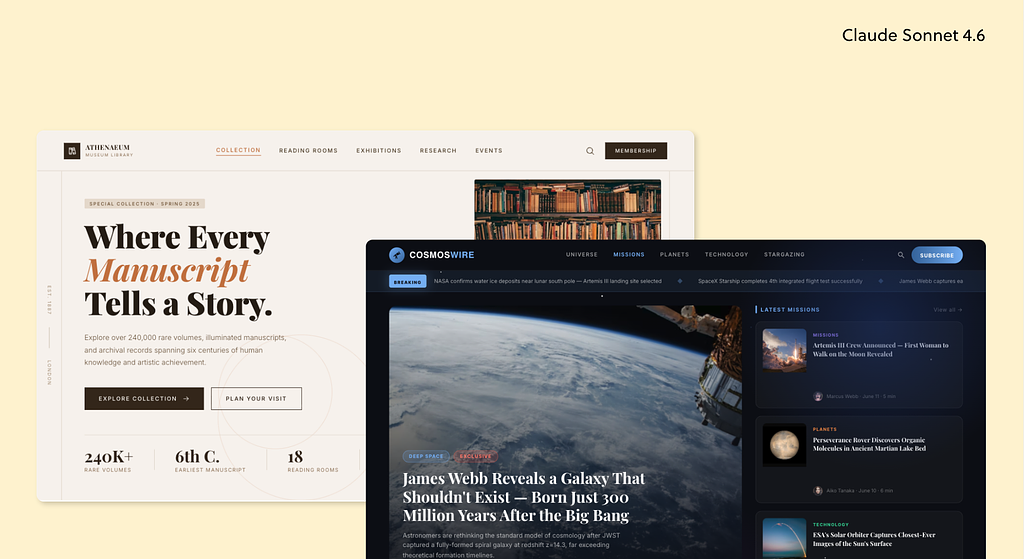
Generated with UXPin Forge
Improvements
The prompt library now works with Forge AI Chat and aligns with how it interprets context.
We refined the system prompt and improved how AI tasks run in the background.
We updated classic element prompts with clearer editing instructions.
We adjusted font styles and added button styles for more consistent visuals.
Bug Fixes
Fixed drag-and-drop and inline editing issues that caused misplaced items and lost input.
We’re introducing Forge, UXPin’s new AI system for generating and editing UI.
Forge is now built directly into the UXPin Editor and becomes the primary AI interface for creating and refining UI during prototyping.
This update replaces the previous AI workflow in the Editor with a conversational interface that lets you generate and edit UI directly on the canvas. With Forge, you can:
• Generate new UI from a prompt. • Edit selected components. • Refine results step by step with follow-up instructions. • Review suggested changes before applying them.
Forge keeps chat history per project, so you can close the AI panel and return later without losing context. Your conversations are private and visible only to you.
AI Component Creator remains available in Project view for starting new prototypes. In the Editor, Forge is now the primary AI interface for generating and editing UI.
This update introduces a conversational workflow that lets you generate and refine UI while designing.
.gif)