What’s New in UXPin
The latest updates, features, and fixes - all in one place.
August 28, 2026
More control over how AI edits your UI, MUI 9 and more
Choose Best or Eco AI models
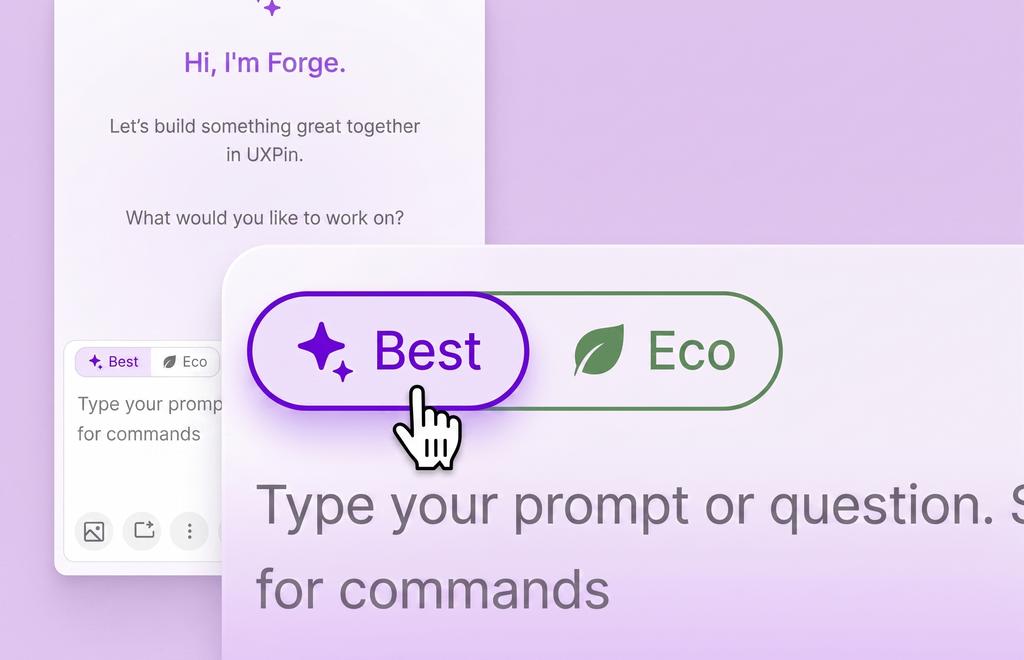
AI edits now come with a model toggle in Forge, available in both the Editor and Wire.
- Best is built for planning and complex rewrites, when you need the most capable model.
- Eco runs on a tuned lower-cost model in single-task mode, at 5-7x fewer credits than Best, with quick repairs for common broken outputs and limits that prevent accidental large rewrites.
- Set your own Best and Eco models in AI Settings. Eco selections are checked automatically to prevent a bad setup.
MUI 9 Support: More Theming Control
MUI 9 is now supported, bringing a major theming upgrade over MUI 5 and more precise control over derived colors. The editor and Wire now apply MUI 9 tokens through the Set theme tool in the properties panel or directly in your Wire app.
Improvements
- You can quickly access AI tools with slash commands. Type
/in the composer and pick a tool directly, image search, image analysis, fetch URL, instead of writing out a prompt explaining what you want. - AI replies can include suggested next steps as clickable chips.
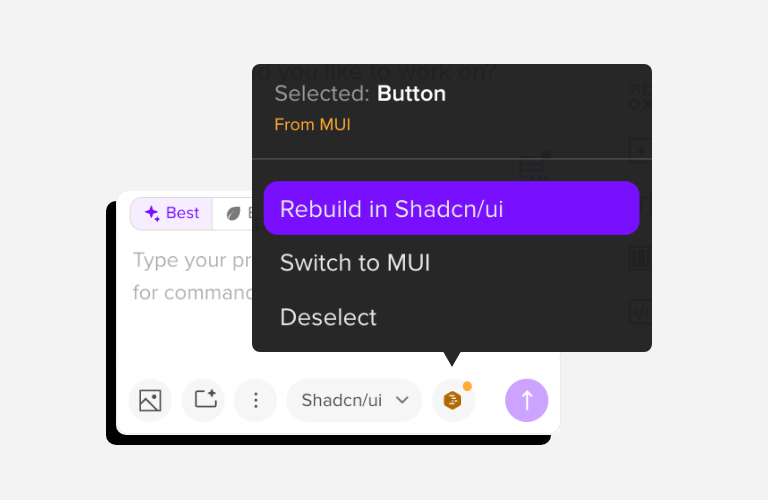
- Selecting an element now switches the AI conversation to match its library automatically. If you switch libraries yourself while an element is selected, the AI still recognizes it, and can rebuild it in the one you're working in. Click the element pill and choose "Rebuild in [library]."
Bug fixes
- Fixed stale highlights that could linger after an edit.
- Fixed an issue where AI edits could delete a root element.
August 07, 2026
Organize, preview, and create Wire projects from Dashboard
Wire projects are easier to organize and start, a new static landing page option is available for HTML-based builds, and AI replies are more consistent.
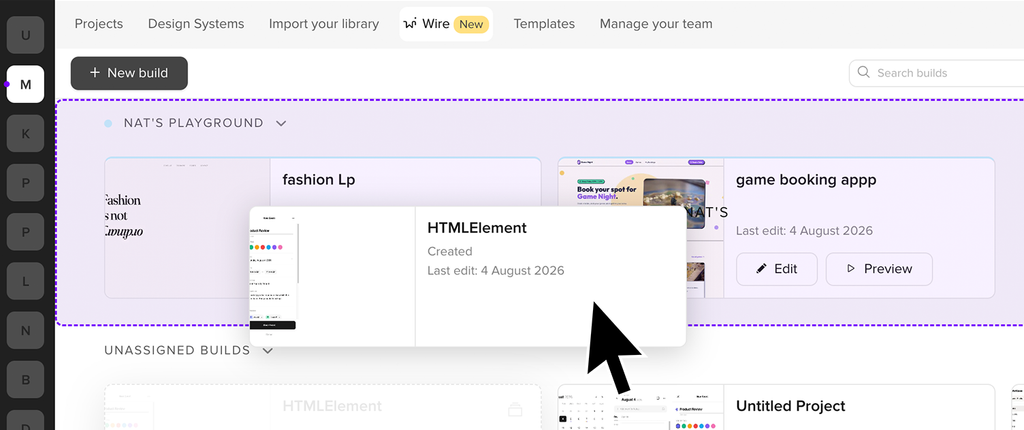
Projects in the Wire Dashboard are now easier to manage. Group builds into Collections to keep things tidy, preview projects more reliably, and create blank projects that AI can finish into runnable apps.
Every build can be duplicated as a Variant so you can explore a different direction without overwriting the original.
Projects created from templates now preserve the template's entry file so apps start and build reliably.
Static landing page builds
When creating a new Wire build, you can now choose between a React component app and a static landing page. The static option outputs real HTML - useful when you're building a landing page that needs to be SEO-ready. You can set up design tokens and change the entire theme without using AI.
Improvements
- Follow-up messages in AI chat now keep recent conversation context, so short replies like "still not working" don't lose track of what you were doing.
- Fixed tool-ordering issues that caused backend errors for multi-tool responses.
August 01, 2026
July 2026 Update
This month, AI credits got more flexible, Wire gained image support and API key control, and new models are available for longer outputs.
More control over your AI credits
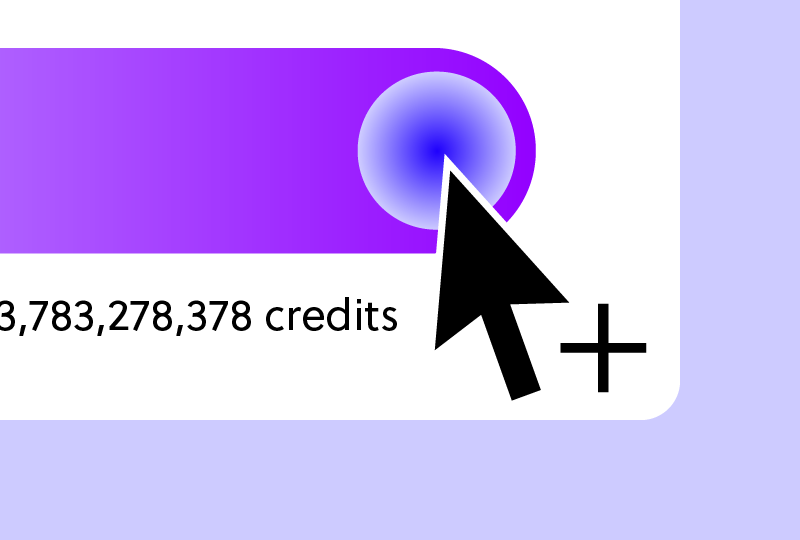
You can now purchase additional AI credits straight from Forge Settings without leaving the Editor.
- One-time top-up - buy extra credits when you need them. They roll over until fully used.
- Monthly add-on - a recurring pack that renews automatically each month.
For a full breakdown, head to Billing in Account Settings. Only the account owner can purchase credits.
Wire and Forge
- Claude Sonnet 5 is now the default model, reducing request errors and aligning behavior across flows.
- GPT-5.6 Terra is available for Growth and Enterprise plan users who need very long outputs, up to approximately 128k tokens.
- Connect your own Anthropic API key so Wire requests run on your account's credits.
- You can ask the AI to edit or act on the uploaded image directly.
- Forge's replies that need code will auto-request and append the missing code, with a live preview that streams the latest lines while a component is being generated.
Bug fixes
- Fixed parsing of multi-line patch values that could cause the UI to crash.
- Fixed collaborator selections carrying over when duplicating a page, which locked the same elements on the new page with no way to unlock them.
- Fixed dates not updating for archived projects.
- Fixed in-app dropdown positioning in Firefox and Safari.
July 09, 2026
June 2026 Update
Forge now supports design system presets, streams code as it generates, and connects results directly to Wire.
Design system presets
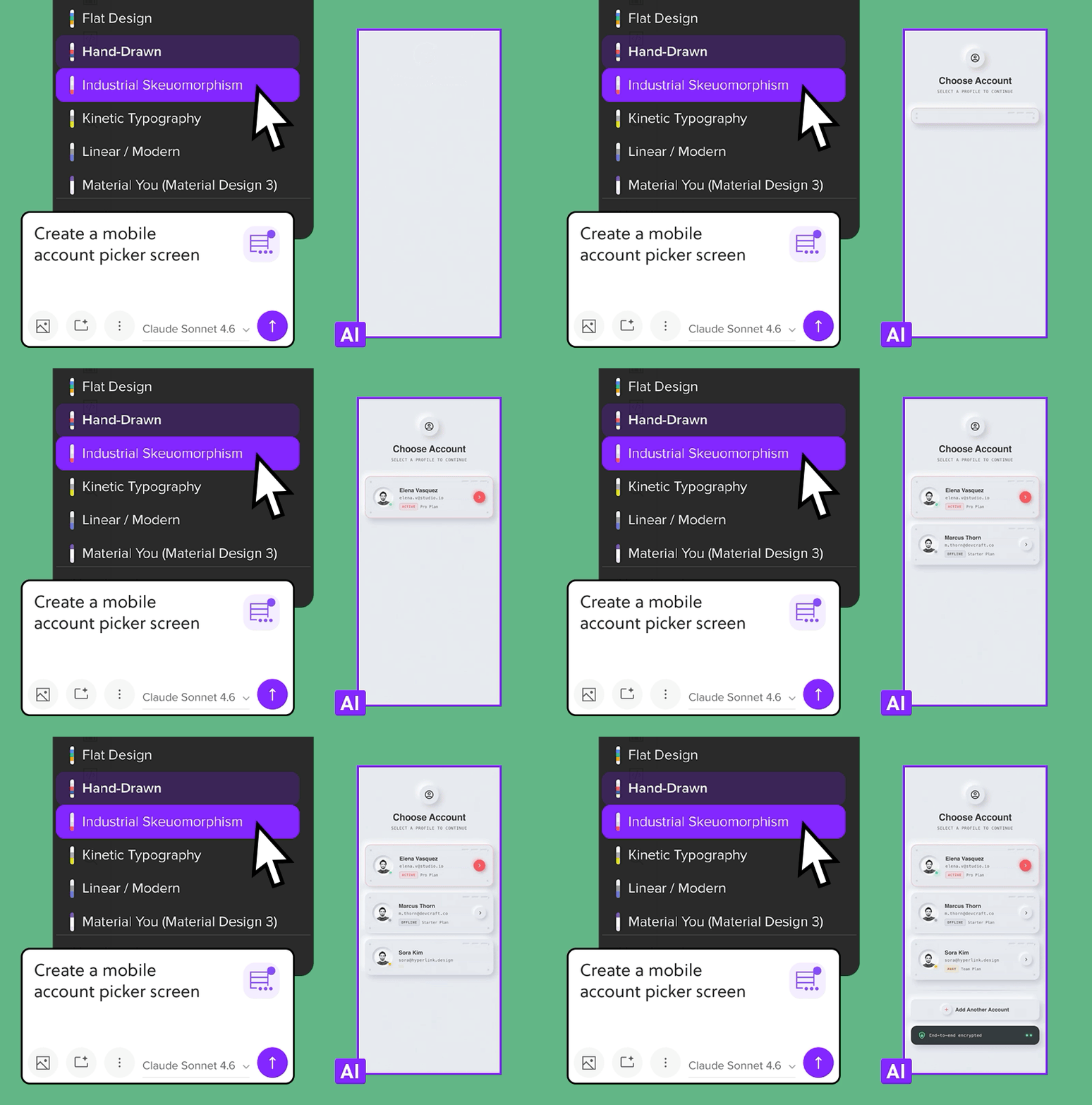
Pick a design system preset and Forge will follow its guidelines when generating UI. Choose from curated styles like Retro / 90s Nostalgia, Serif, Terminal CLI, or Vaporwave, or pick from brand presets including Airbnb, Apple, Claude and more. Every component Forge generates matches the visual rules of the selected system.
AI-generated UIs and live code previews
Generate components in chat and act on them right away.
- Any generated component or multi-screen plan can be opened directly in Wire. UXPin creates a Wire project automatically and saves the link so you can return to it from the chat.
- While Forge writes or edits files, the code streams live in the chat. A short "preparing" state gives you visual feedback on changes as they happen.
- Third-party models are now available via OpenRouter, including Qwen 3.6 Plus. Add your OpenRouter API key in settings.
- Canceled messages stop streaming immediately, and failed changes show clear error indicators. Credits are not charged for failed requests.
Improvements
- When exporting a canvas with multiple screens to Wire, Wire detects the export and offers to connect the screens into a single working app.
- Design system guidance can now be set per document. You can add library-level instructions the AI will follow, and the editor checks generated component code for syntax errors so Forge can target fixes automatically.
Bug Fixes
- Fixed an issue where long editing sessions caused the Interactions & Animation panel to slow down, freeze, or crash.
June 26, 2026
Introducing UXPin Wire
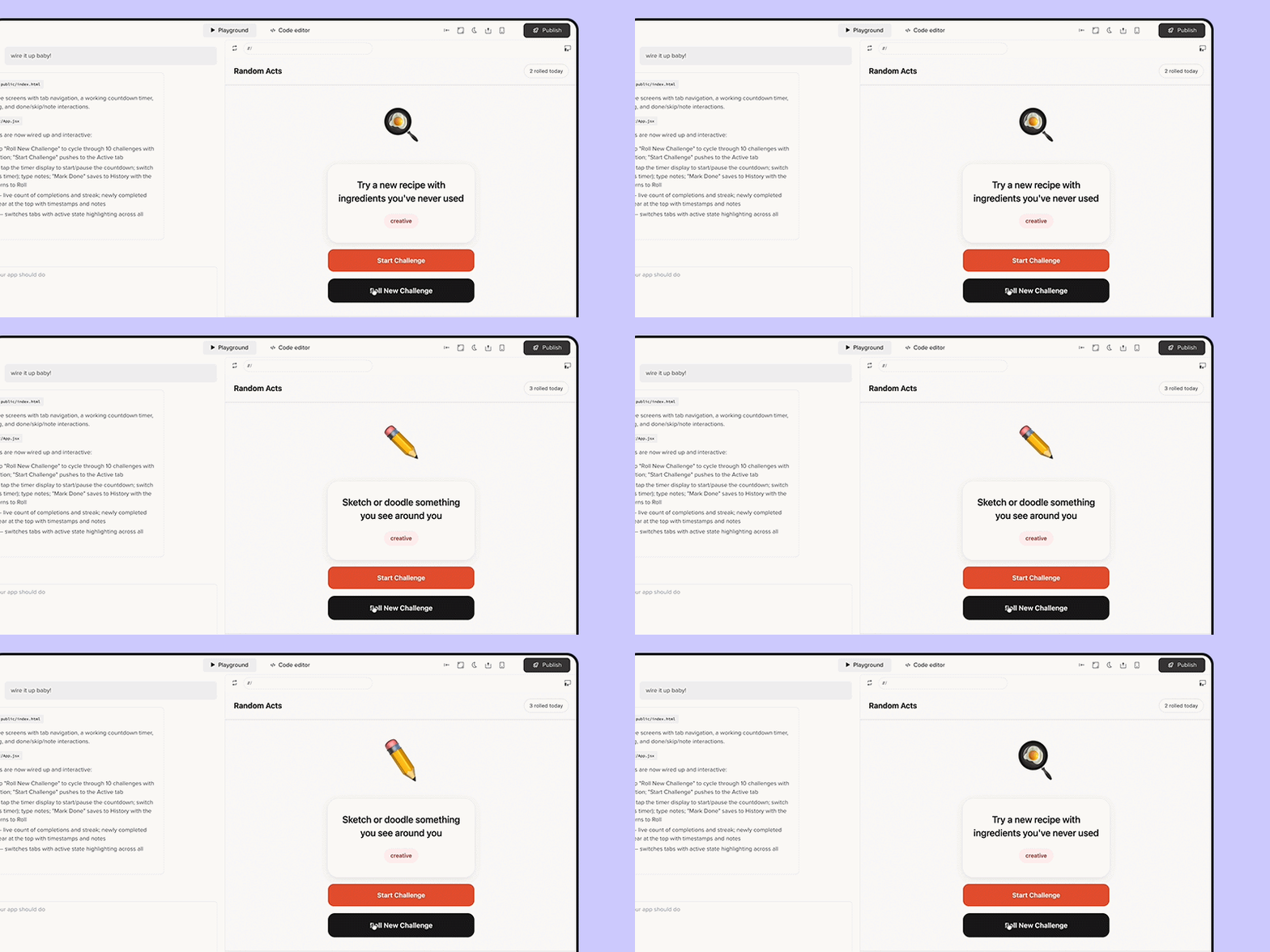
Wire turns your UXPin designs into real, working product flows. Connect screens, add logic, navigation, and form behavior - then share the result as a hosted link or export it as a React app developers can build on from day one.
- Connect multiple screens into a live flow with real navigation, form validation, and state management.
- Publish as a hosted link anyone can open in a browser
- Export a working Vite + React codebase ready for developers to run locally.
- Use Forge to describe what you want and iterate until the flow feels right.